



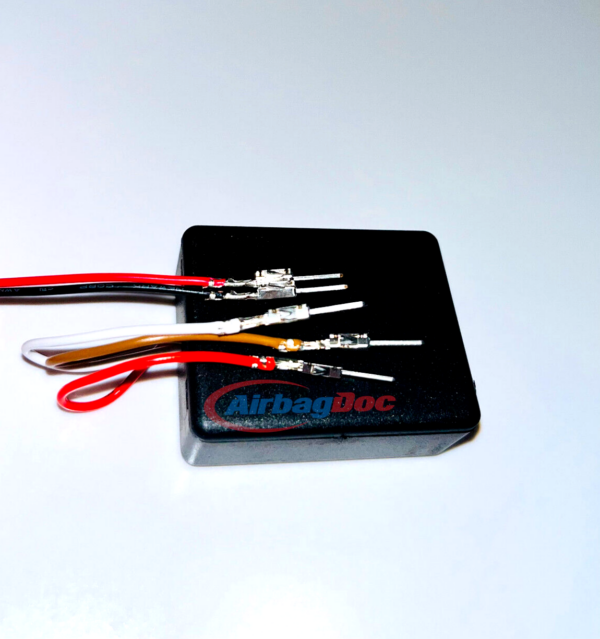
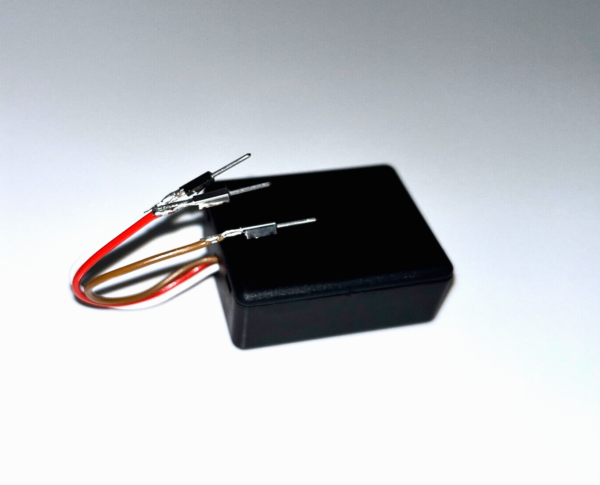
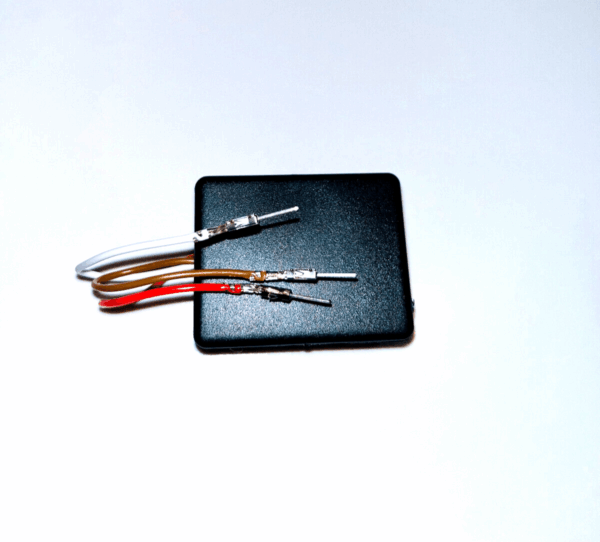
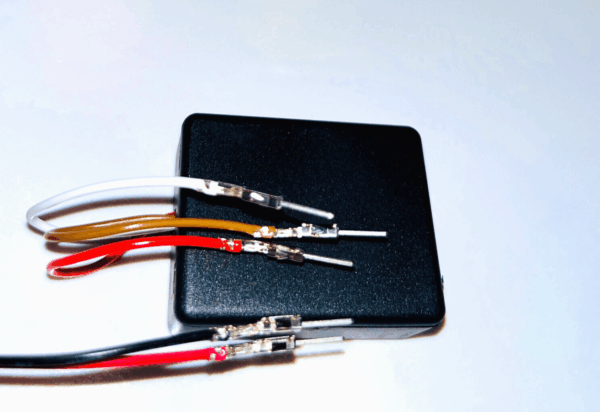
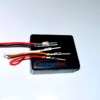
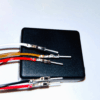
Seat occupancy mat tester emulator kit for BMW 5 Series F10 F11 F07 F18.
Compatible with: BMW 5 Series F10 / F11 / F07 / F18 GT (2010–2017)
Plug & Play testing solution for faulty seat occupancy sensors and sport seat installations. No coding required.
Simple installation.
- Locate the seat mat connector under the passenger seat
- Unplug the OEM connector
- Plug in the AirbagDoc emulator
- ✔ Plug & Play — no coding required
- ✔ Kit includes seat belt tester
- ✔ Same or next business day shipping
- ✔ Free worldwide shipping on orders over $40
- ✔ Works with aftermarket & sport seat installations
- ✔ Available in Euro and US versions
- ✔ 30-day money-back guarantee
In rare cases, a diagnostic reset may be required to clear stored fault codes.
⚠ Important Notice
- This module sets seat occupancy status to permanently occupied
- Do not use when a child seat is fitted to the front passenger seat
- Intended for diagnostic testing, sport applications, and aftermarket seat installations
- AirbagDoc is not responsible for improper use or installation
Frequently Asked Questions
What does the seat occupancy bypass emulator do?
It plugs into your BMW's passenger seat wiring in place of the OEM occupancy sensor mat and signals the airbag control module that the seat is permanently occupied. The airbag warning light caused by fitting bucket or sport seats goes out.
What do fault codes 930A1A, 930A1B, and 930A1C mean?
These are the occupancy-sensor and passenger-restraint codes a BMW stores when the airbag module loses the expected signal from the seat mat — usually after fitting bucket or sport seats. The emulator supplies the signal the module is looking for, so the code stops returning once cleared.
Will the passenger airbag still work for a real passenger?
Yes. The emulator sends a constant "seat occupied" signal, so the passenger airbag stays armed at all times — exactly as it behaves when an adult passenger is sitting in the seat.
Why did installing bucket seats cause the airbag light?
OEM seats have a pressure-sensitive occupancy mat inside the cushion. Aftermarket bucket and sports seats don't. Without the expected signal from that mat, the airbag control module logs a fault and lights the warning. The emulator supplies a valid "seat occupied" signal.
Is installation plug-and-play?
Yes. The emulator uses the correct OEM connector for your BMW chassis. No cutting, splicing, or coding required.
Do I need any special tools to install it?
No special tools are needed for installation — it plugs straight into the OEM connector under the passenger seat, with no cutting or splicing. In some cases an OBD2 diagnostic scanner is required to clear a stored fault code once after install.
Do I need to clear fault codes after installing it?
Sometimes. If the warning light was already on before install, the stored code (930A1A / 930A1B / 930A1C on F-chassis BMWs) may need to be cleared once with an OBD2 diagnostic tool. After clearing, it should not return.
How fast is shipping and where do you ship from?
Orders placed on a business day ship the same day from our US warehouse for US-based orders. We also ship internationally, with delivery times depending on the destination.
What if it doesn't work in my case?
Every order is backed by a 30-day money-back guarantee. If the emulator doesn't work in your case, return the product within 30 days for a full refund.
Does this work for all BMW 5 Series F10 variants?
Yes — covers F10 sedan, F11 touring, F07 Gran Turismo and F18 long-wheelbase (2010–2017), including 520i–550i, 518d–535d, and M5.

chagopo-60 (verified owner) –
Entrega muy rápido
trellix78 (verified owner) –
Sensor bypass worked perfectly. Item shipped fast and was exactly as described.
autolabcayman (verified owner) –
Great value , good shipping time and good customer service
dragracer (verified owner) –
Fast shipping. product as described. fixed my issue. highly recommend